

Grafana access
Sign in at grafana.andromedacluster.xyz with Andromeda SSO credentials. The session lands in the Tenants org with the Viewer role. Three dashboards are available, pre-filtered to your assigned nodes and namespaces. You only see metrics and workloads for your organization’s reserved capacity.- GPU Nodes - GPU utilization, temperature, power, ECC, memory, node CPU/memory
- Job Analysis - Slurm job state, GPU/CPU allocation, node mapping
- Tenant Dashboard - capacity overview, node readiness, reservation status

Confirm assigned capacity, ready nodes, and reservation status before drilling into a node or job.
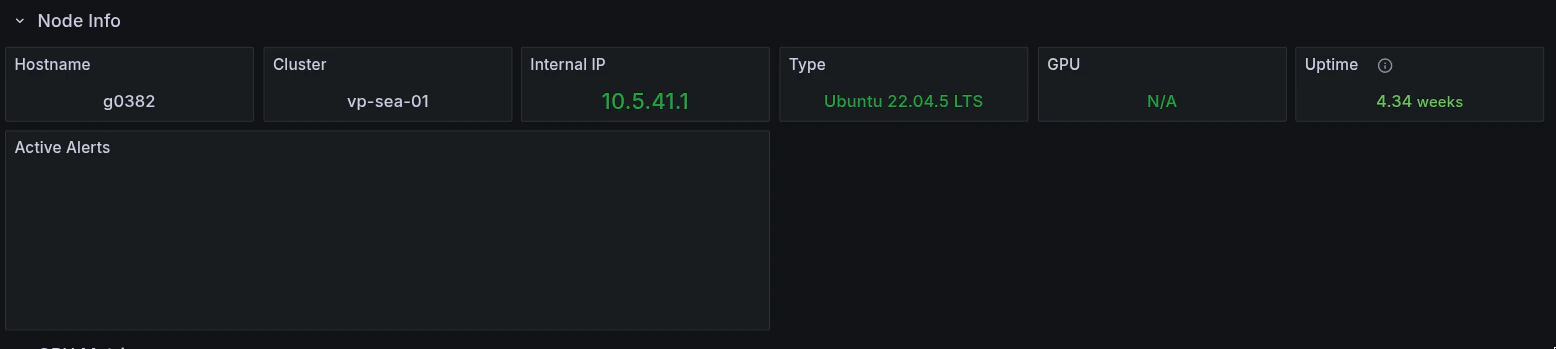
Confirm host identity, GPU inventory, uptime, and active alerts.
Metric naming
Some node-level metrics use atenant_ prefix to scope them to your assigned capacity:
GPU metrics (
DCGM_FI_*), container metrics, and Slurm metrics use their standard names and are already scoped by namespace and node assignment. Full list in Metrics Reference.
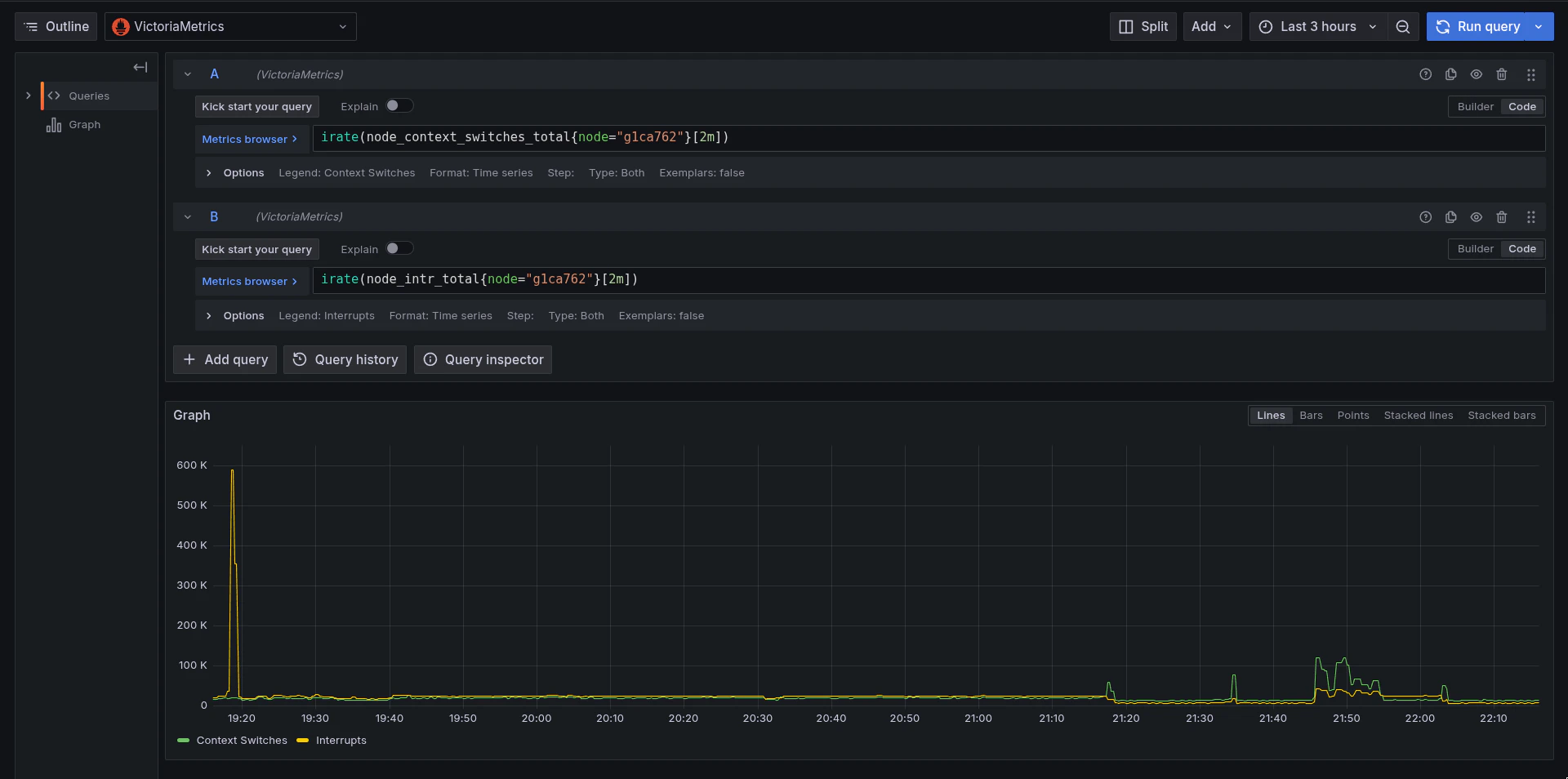
Use dashboard panels or supported queries to confirm metric names and labels before requesting additional access.
Permissions
Pre-built dashboards are read-only for all users. Your team can ask Andromeda Support to enable ad-hoc Explore queries or dashboard editing when you need those capabilities.