

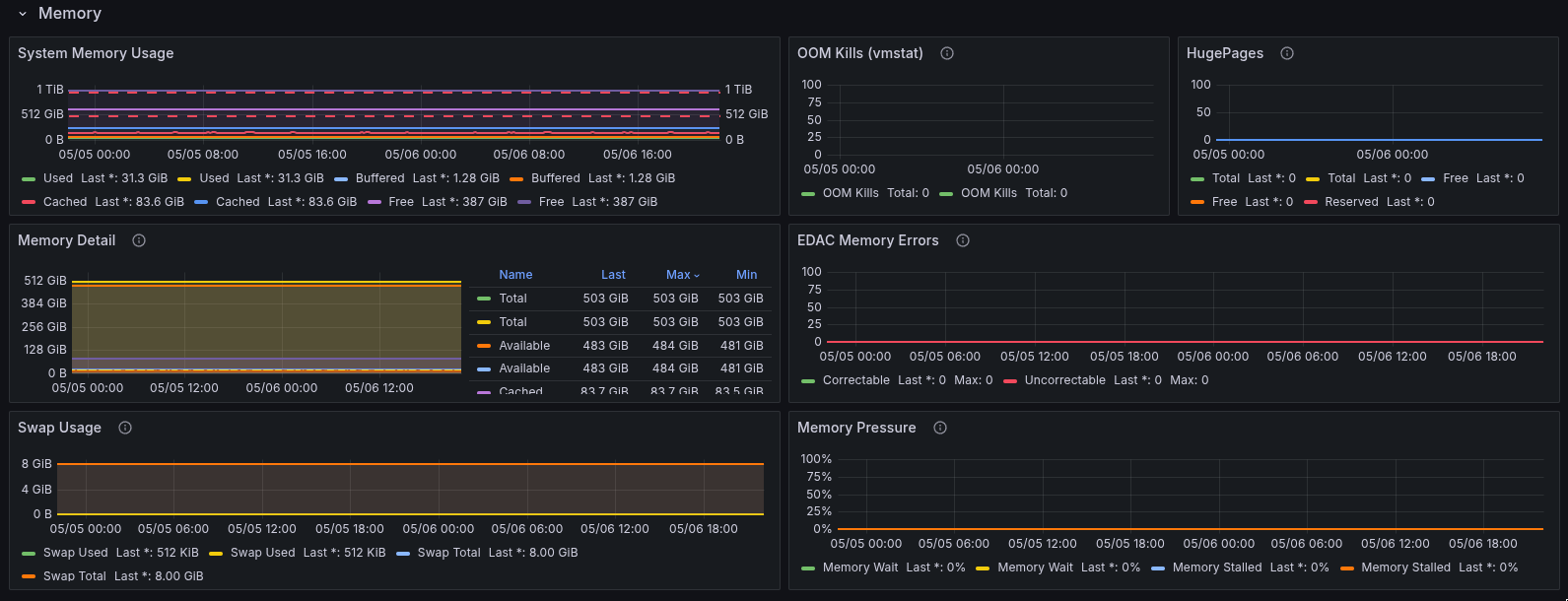
Memory and pressure panels provide supporting context when host pressure or node alerts require impact review.
Alert tiers
Severity levels and examples.
GPU alerts
Thermal, ECC, NVLink, PCIe, row remap, and XID signals.
Node alerts
Readiness, reachability, cordon, drain, and pressure states.
Host alerts
CPU, memory, I/O, network, disk, and temperature pressure.
Telemetry health
Metrics and logs freshness checks.
Expected chains
Follow-on signals that should appear after hardware faults.
Alert tiers
Alert types
Slack behavior
Alerts fire once per state change. Slack does not post a separate “resolved” message for every alert; use the Alerts Overview dashboard in Grafana for current status. When more than 5 events of the same type fire within 60 seconds, they are aggregated into a single Slack message.Cluster and capacity alerts
GPU alerts
Node alerts
Host alerts
Log-derived alerts
These alerts also evaluate host log signals in addition to metrics:Telemetry health
Alert routing
When an alert fires, it is posted to your designated Slack channel. Related signals on the same node may be grouped so your channel stays readable.Expected alert chains
Hardware faults typically produce a sequence of alerts:
If a root cause fires but the expected consequence does not appear within the expected window, escalate to Andromeda Support.