Documentation Index
Fetch the complete documentation index at: https://docs.andromeda.ai/llms.txt
Use this file to discover all available pages before exploring further.
Use this page to map common GPU, node, Slurm, InfiniBand, and container symptoms to scoped dashboard checks and queries. Replace $cluster and $node with actual values or use dashboard template variables.
Low GPU utilization
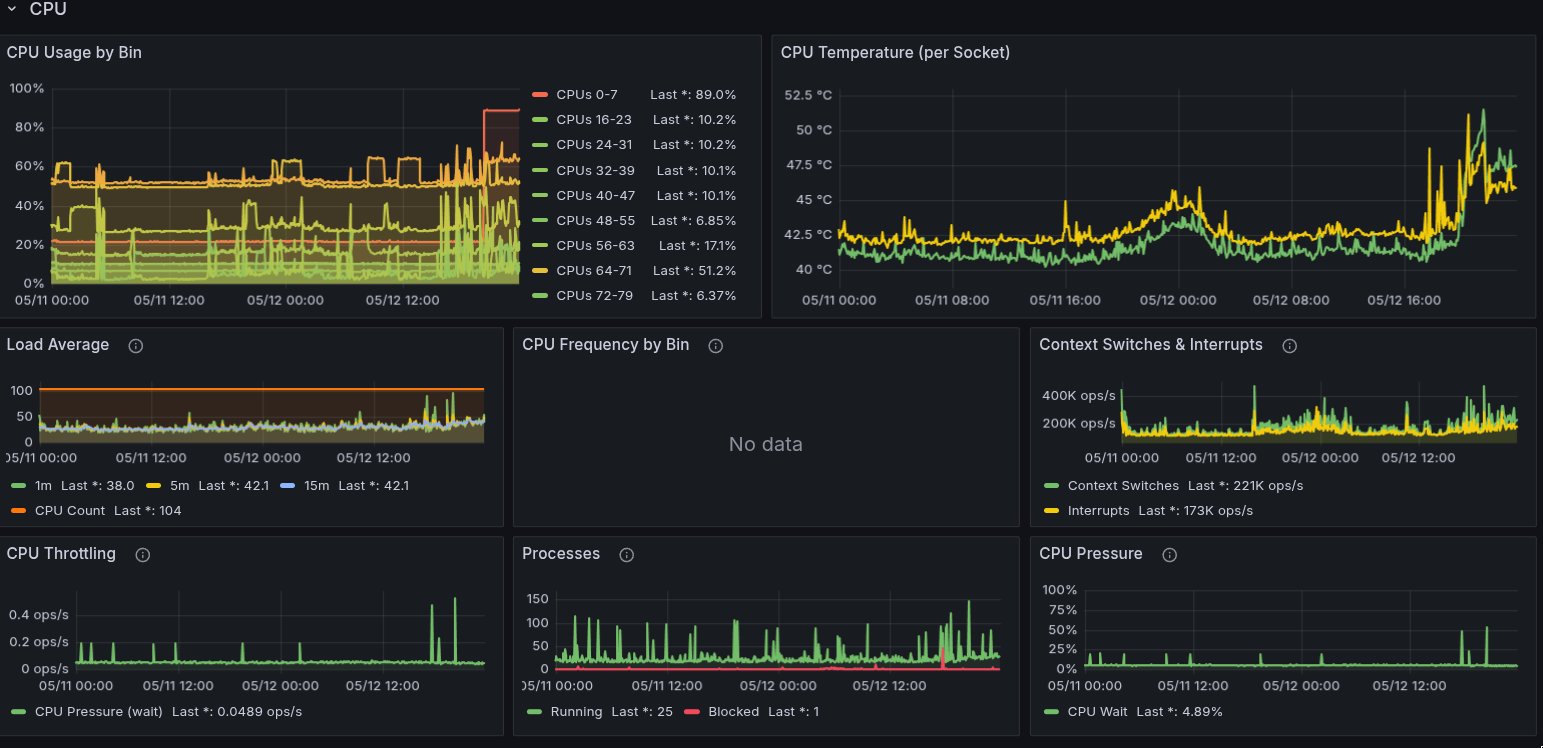
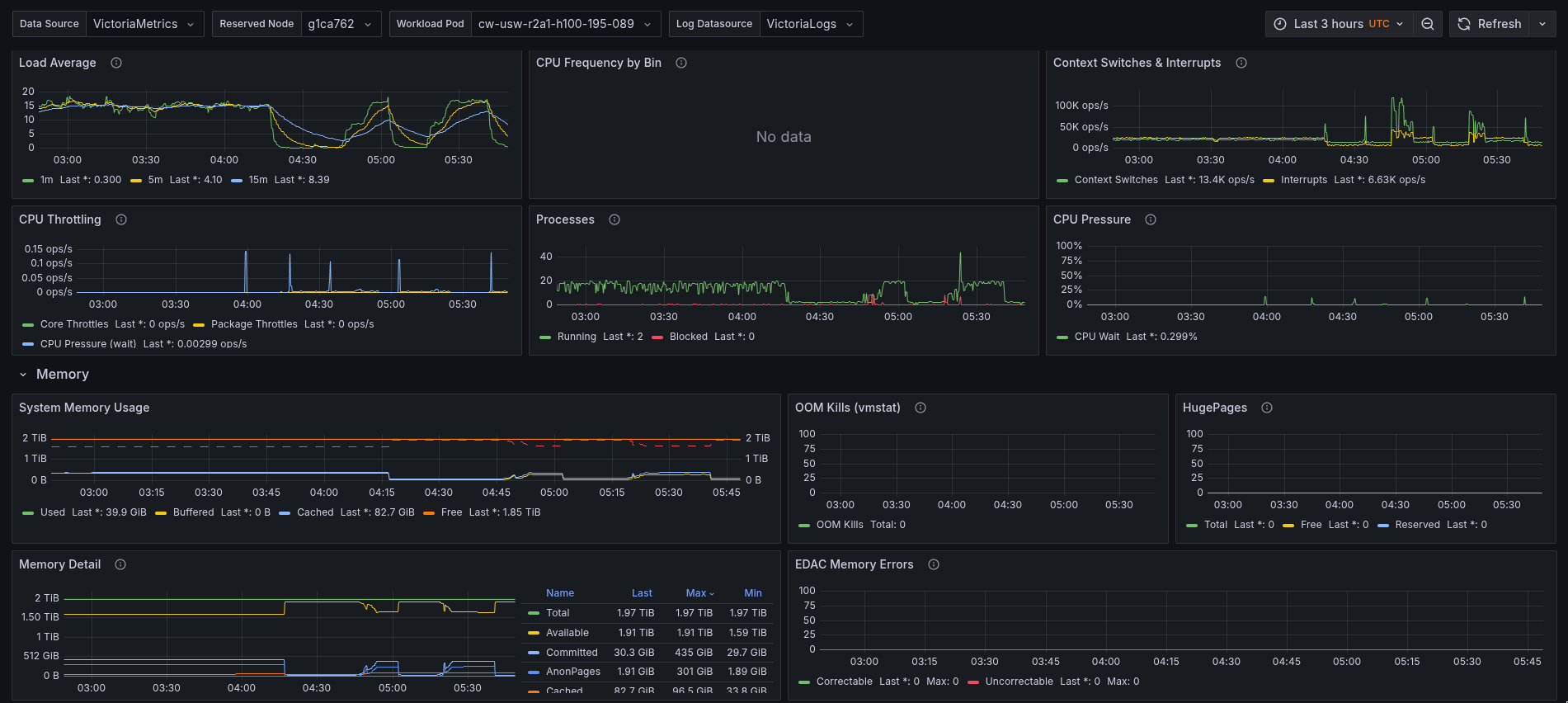
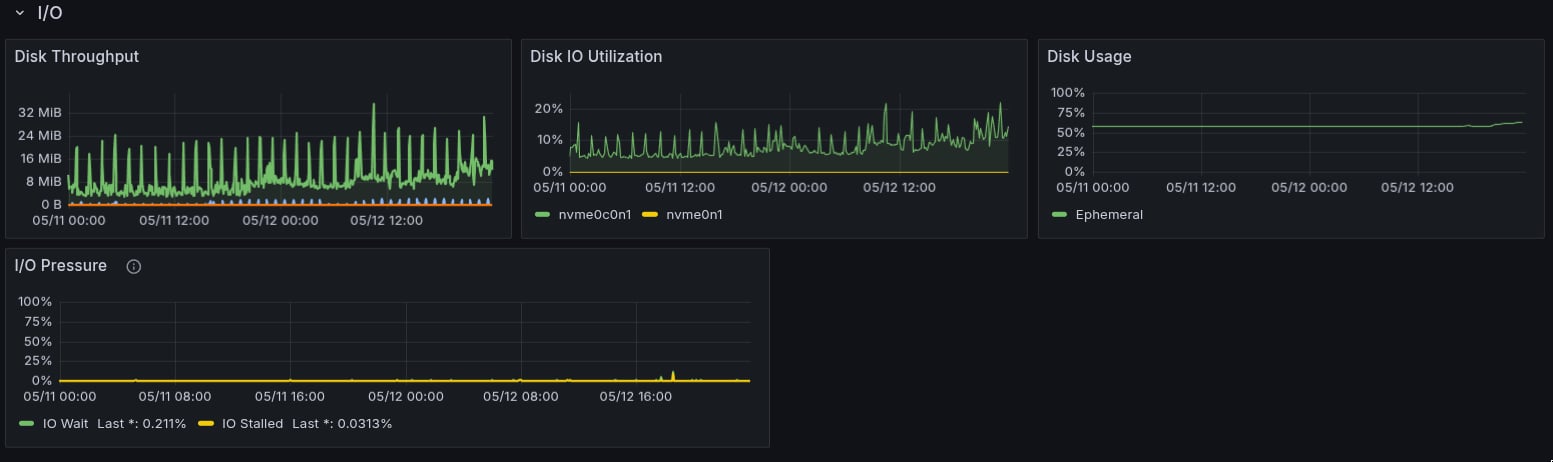
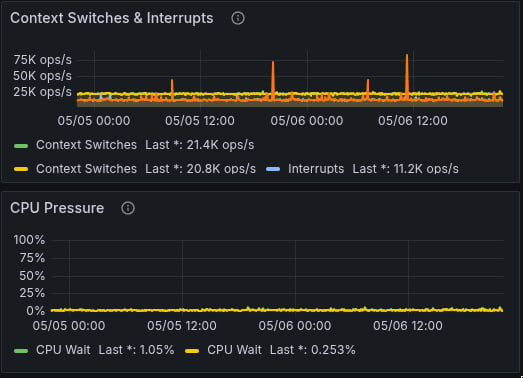
Compare GPU utilization, power, CPU pressure, I/O pressure, and memory pressure.
GPU throttling
Check GPU temperature, HBM temperature, and thermal violation counters.
ECC and XID errors
Identify uncorrectable errors, row remap failures, and critical XID codes.
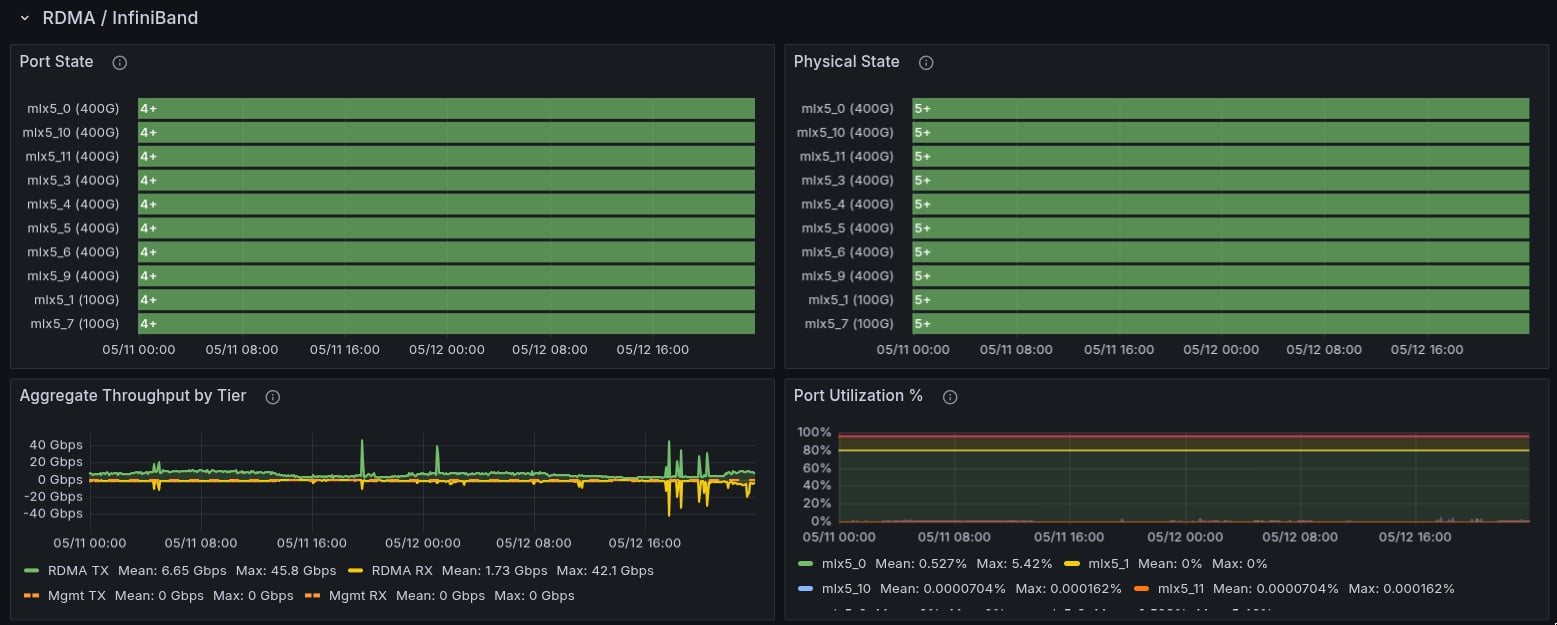
InfiniBand bandwidth
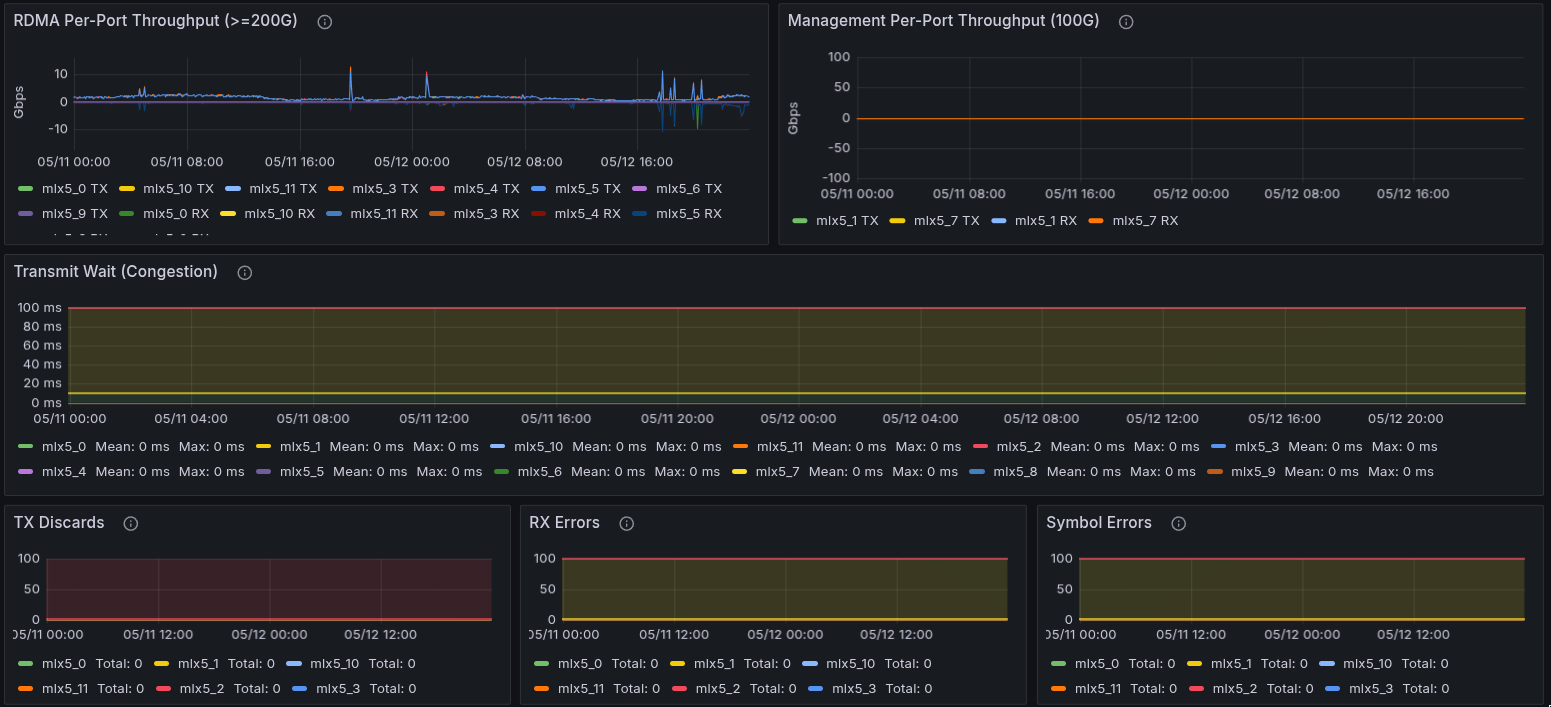
Review throughput, transmit wait, link rate, and fabric congestion discards.
Slurm node mapping
Map Slurm node names to Kubernetes hostnames.
Escalation
Collect support context and identify immediate escalation triggers.
Check low GPU utilization
Determine whether GPUs are idle or bottlenecked elsewhere.
DCGM_FI_DEV_GPU_UTIL{cluster="$cluster"}
DCGM_FI_DEV_POWER_USAGE{cluster="$cluster", node="$node"}
Idle GPUs draw ~70-100W; active H100s draw 500-700W.
rate(tenant_node_pressure_cpu_waiting_seconds_total{cluster="$cluster", node="$node"}[5m])
rate(tenant_node_pressure_io_stalled_seconds_total{cluster="$cluster", node="$node"}[5m])
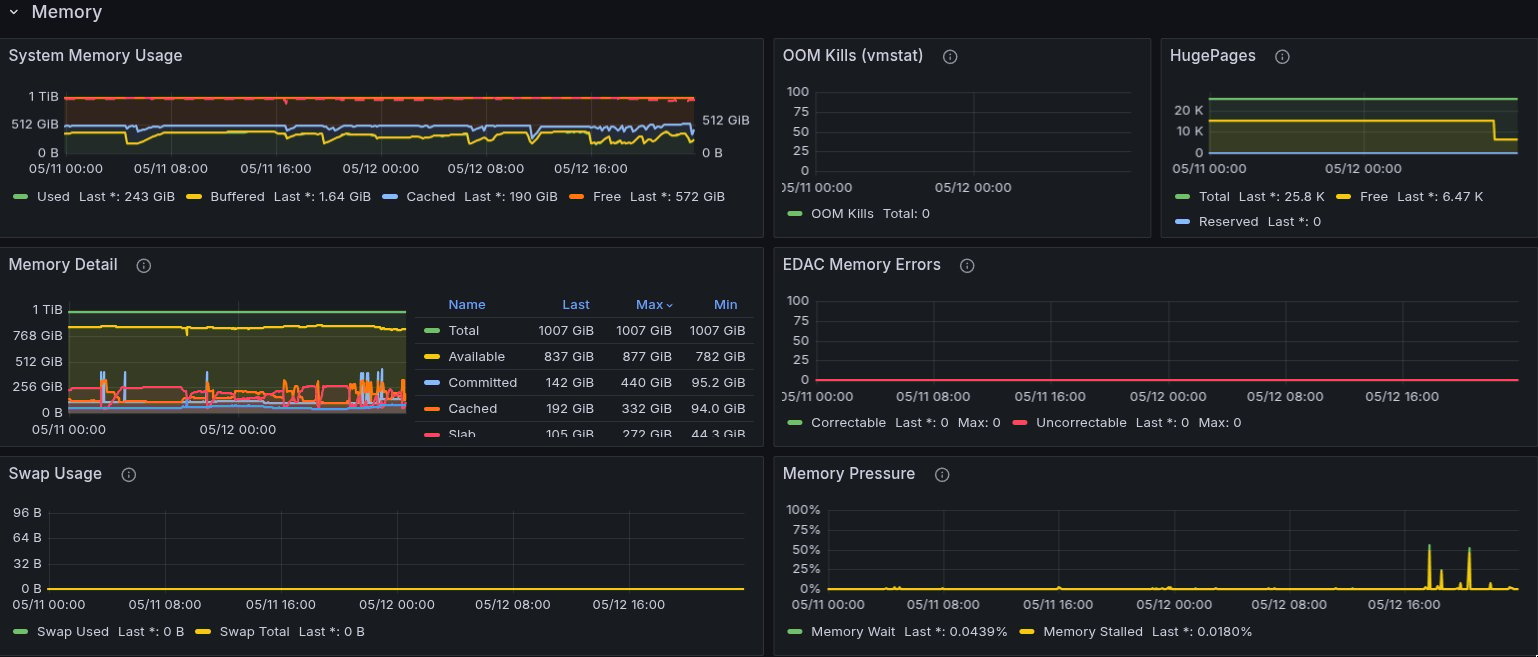
rate(tenant_node_pressure_memory_stalled_seconds_total{cluster="$cluster", node="$node"}[5m])
If GPU utilization is low but power draw is near TDP and PSI metrics are clean, the bottleneck is likely application-side: synchronization, gradient accumulation, or communication overlap.
Check GPU throttling
DCGM_FI_DEV_GPU_TEMP{cluster="$cluster", node="$node"}
Throttle threshold: 83 °C.
DCGM_FI_DEV_MEMORY_TEMP{cluster="$cluster", node="$node"}
HBM throttle threshold: 95 °C.
rate(DCGM_FI_DEV_THERMAL_VIOLATION{cluster="$cluster", node="$node"}[5m])
Sustained thermal throttling reduces clock speeds and power budget. Report the node if this persists; it may indicate a cooling failure.
Check ECC errors
DCGM_FI_DEV_ECC_DBE_AGG_TOTAL{cluster="$cluster"} > 0
Any nonzero uncorrectable (DBE) value indicates a faulty GPU.
increase(DCGM_FI_DEV_ECC_SBE_AGG_TOTAL{cluster="$cluster"}[1h])
Correctable error rate >10/hr is concerning.
DCGM_FI_DEV_ROW_REMAP_FAILURE{cluster="$cluster"} > 0
Row remap failure means the GPU needs replacement.
Uncorrectable errors trigger GPUUncorrectableEccErrors. If DBE errors are present and the node is still scheduling jobs, escalate immediately.
XID errors
XID errors are GPU fault codes from the NVIDIA driver. Common critical XIDs:
| XID | Meaning | Impact |
|---|
| 31 | GPU memory page fault | Job crash |
| 43 | GPU stopped processing | Job hang or crash |
| 45 | Preemptive cleanup (double-bit ECC) | GPU pulled from service |
| 48 | Double-bit ECC error | GPU needs replacement |
| 63 | ECC page retirement / row remap | Degraded but functional |
| 64 | ECC page retirement (DBE) | GPU needs replacement |
| 74 | NVLink error | Multi-GPU communication failure |
| 79 | GPU fallen off bus | Node needs reboot |
| 94 | Contained ECC error | Usually recoverable |
| 95 | Uncontained ECC error | GPU needs replacement |
DCGM_FI_DEV_XID_ERRORS{cluster="$cluster"} > 0
NVLink and PCIe issues
increase(DCGM_FI_DEV_GPU_NVLINK_ERRORS{cluster="$cluster"}[15m]) > 0
increase(DCGM_FI_DEV_PCIE_REPLAY_COUNTER{cluster="$cluster"}[15m])
NVLink errors degrade multi-GPU training such as AllReduce and tensor parallelism. PCIe replay errors indicate link instability between GPU and CPU or switch. More than 50 replays in 15 minutes is concerning.
Node CPU and memory
1 - avg by (node) (
rate(tenant_node_cpu_seconds_total:15s_without_cpu_total{cluster="$cluster", mode="idle"}[5m])
)
1 - avg by (node, numa) (
irate(tenant_node_cpu_seconds_total:15s_without_cpu_total{cluster="$cluster", mode="idle"}[2m])
)
Per-NUMA breakdown helps identify asymmetric CPU load.
tenant_node_memory_MemAvailable_bytes{cluster="$cluster", node="$node"}
increase(tenant_node_vmstat_oom_kill{cluster="$cluster", node="$node"}[1h])
Any OOM kill increase warrants investigation.
Check InfiniBand bandwidth
irate(tenant_node_infiniband_port_data_transmitted_bytes_total{cluster="$cluster", node="$node"}[1m]) * 8 / 1e9
TX bandwidth in Gbps.
irate(tenant_node_infiniband_port_transmit_wait_total{cluster="$cluster", node="$node"}[1m]) * 4 / 1000000
Transmit wait in ms/s. Any value >0 indicates congestion.
tenant_node_infiniband_rate_bytes_per_second{cluster="$cluster", node="$node"}
50GB/s = NDR/400G link.
rate(tenant_ib_perfquery_xmit_discards_total{cluster="$cluster"}[5m])
Fabric-level congestion discards.
Slurm to Kubernetes node mapping
Slurm uses names like h200-reserved-145-019. Kubernetes uses names like andromeda25-wk45. To map between them:
kube_pod_info{pod=~"h200-reserved-.*", cluster="$cluster"}
The Slurm node name matches the Kubernetes pod name for that compute instance. kube_pod_info provides the node label (Kubernetes hostname).
Tenant capacity
tenant:slurm_nodes:assigned{cluster="$cluster"}
tenant:slurm_nodes:ready{cluster="$cluster"}
tenant:slurm_nodes:bad{cluster="$cluster"}
tenant:slurm_nodes:ready{cluster="$cluster"} / tenant:slurm_nodes:assigned{cluster="$cluster"}
Readiness ratio should be 1.0.
Container resource usage
rate(container_cpu_usage_seconds_total{namespace="$namespace", pod="$pod"}[5m])
container_memory_working_set_bytes{namespace="$namespace", pod="$pod"}
Working set is the metric that determines OOM kills.
Prepare a support request
Include the following in any support request:
- Cluster name and time range (absolute, not relative)
- Affected nodes (Slurm names and/or Kubernetes hostnames)
- Job IDs if Slurm jobs are involved
- Dashboard link with the time range pinned
- Observed behavior vs expected behavior
Escalate immediately if any of the following are true:
- Uncorrectable ECC errors on a node that is still scheduling
tenant:slurm_nodes:ready at 0 with nonzero assigned
- XID 79 (GPU fallen off bus) on any node
- An alert chain where the expected consequence did not fire. See Alerts.