Documentation Index
Fetch the complete documentation index at: https://docs.andromeda.ai/llms.txt
Use this file to discover all available pages before exploring further.
All dashboards are pre-filtered to your assigned nodes and namespaces. Use the cluster and node dropdowns at the top of each dashboard to narrow scope.
GPU Nodes
The primary hardware health view. Start here when investigating GPU issues.
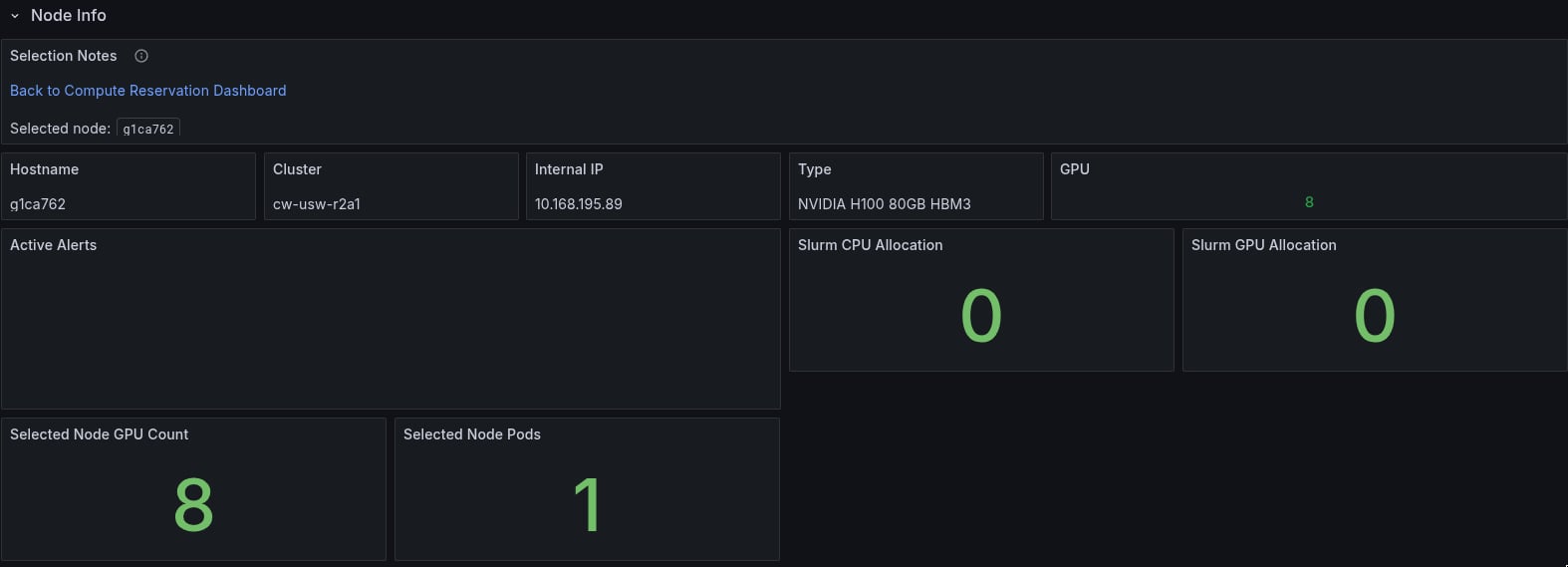
| Panel | Metric | Interpretation |
|---|
| GPU Utilization | DCGM_FI_DEV_GPU_UTIL | Sustained low utilization during active training suggests a bottleneck elsewhere, such as data loading, CPU, or network. |
| GPU Memory Used | DCGM_FI_DEV_FB_USED / DCGM_FI_DEV_FB_FREE | OOM risk when used approaches total framebuffer. |
| GPU Temperature | DCGM_FI_DEV_GPU_TEMP | Throttling starts above 83 °C. |
| GPU Memory Temperature | DCGM_FI_DEV_MEMORY_TEMP | HBM thermal throttle above 95 °C. |
| GPU Power | DCGM_FI_DEV_POWER_USAGE | Compare against TDP. Sustained low power plus low utilization means idle GPUs. |
| ECC Errors, uncorrectable | DCGM_FI_DEV_ECC_DBE_AGG_TOTAL | Any nonzero value indicates a faulty GPU. Triggers alerts. |
| ECC Errors, correctable | DCGM_FI_DEV_ECC_SBE_AGG_TOTAL | Normal at low rates. Burst rates above 10/hr indicate degradation. |
| Row Remapping | DCGM_FI_DEV_ROW_REMAP_FAILURE | Nonzero means remapping failed and GPU replacement is needed. |
| XID Errors | DCGM_FI_DEV_XID_ERRORS | The XID code identifies the fault type. See Troubleshooting. |
| NVLink Errors | DCGM_FI_DEV_GPU_NVLINK_ERRORS | Any increase indicates inter-GPU link degradation. |
| PCIe Replay | DCGM_FI_DEV_PCIE_REPLAY_COUNTER | More than 50 in 15 minutes suggests PCIe link instability. |
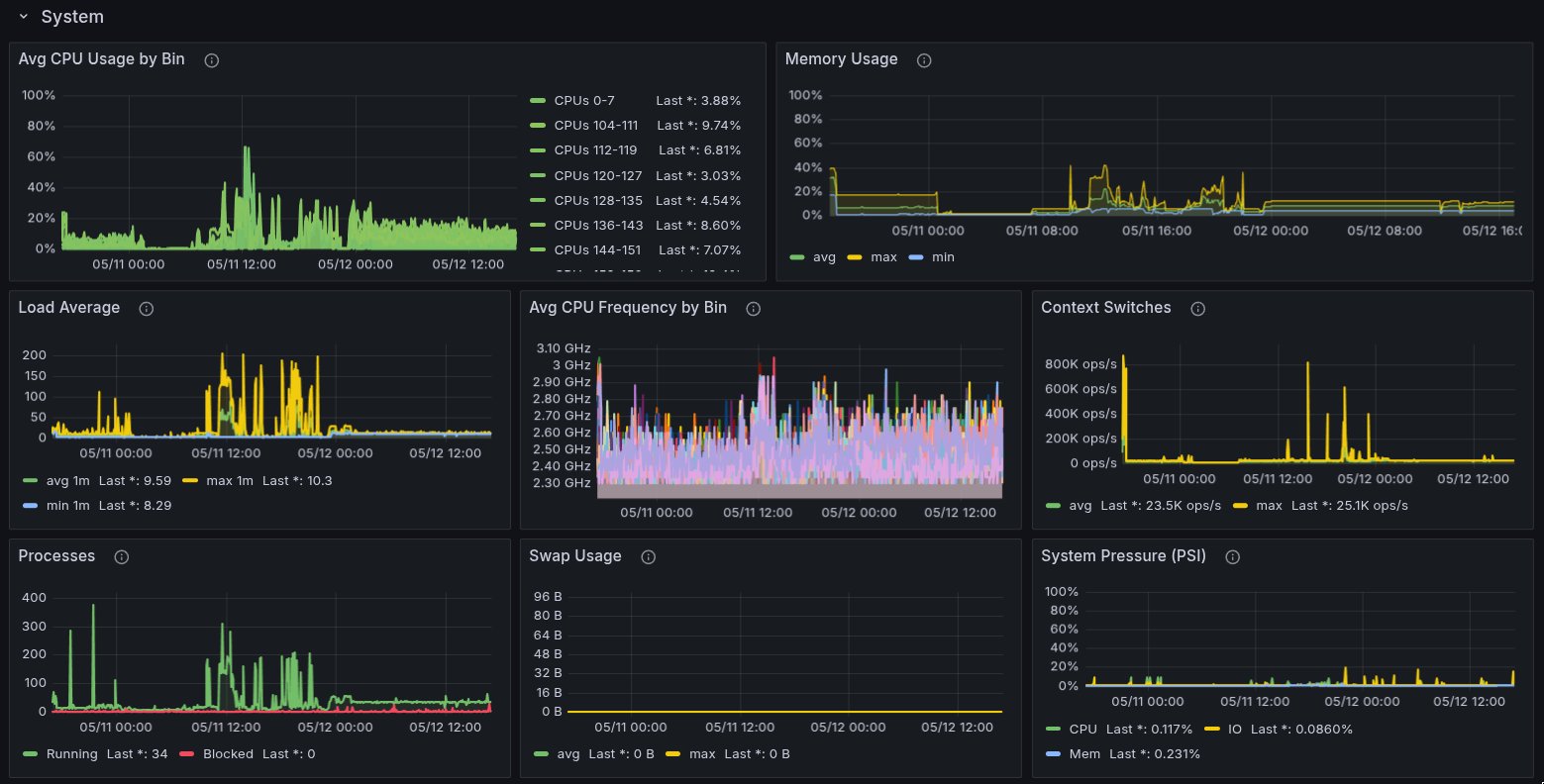
| Node CPU | tenant_node_cpu_* aggregated | Per-NUMA CPU utilization. Data loading bottlenecks surface here. |
| Node Memory | tenant_node_memory_MemAvailable_bytes | Low available memory can cause OOM kills. |
Job Analysis
Maps Slurm jobs to nodes and GPUs.
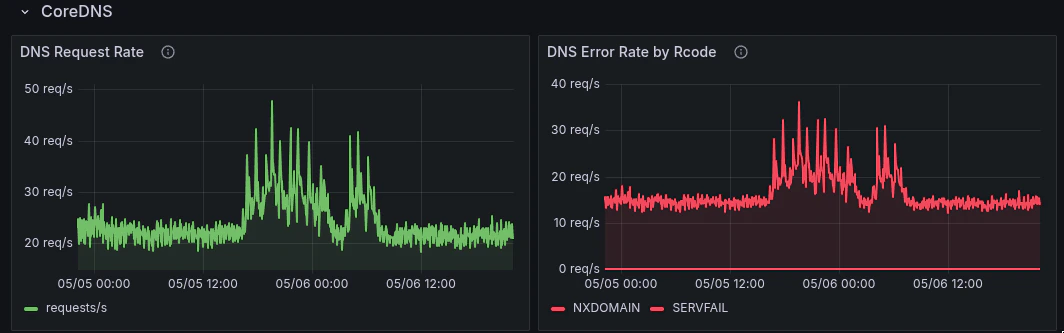
| Panel | Metric | Interpretation |
|---|
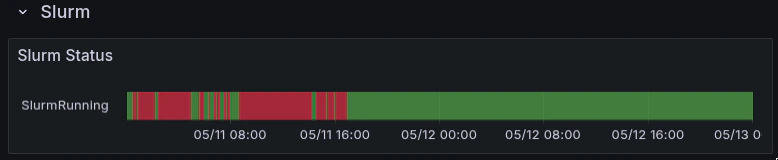
| Job State | slurm_job_state | Running, Pending, Failed, Completing. Stuck Pending jobs may indicate scheduling issues. |
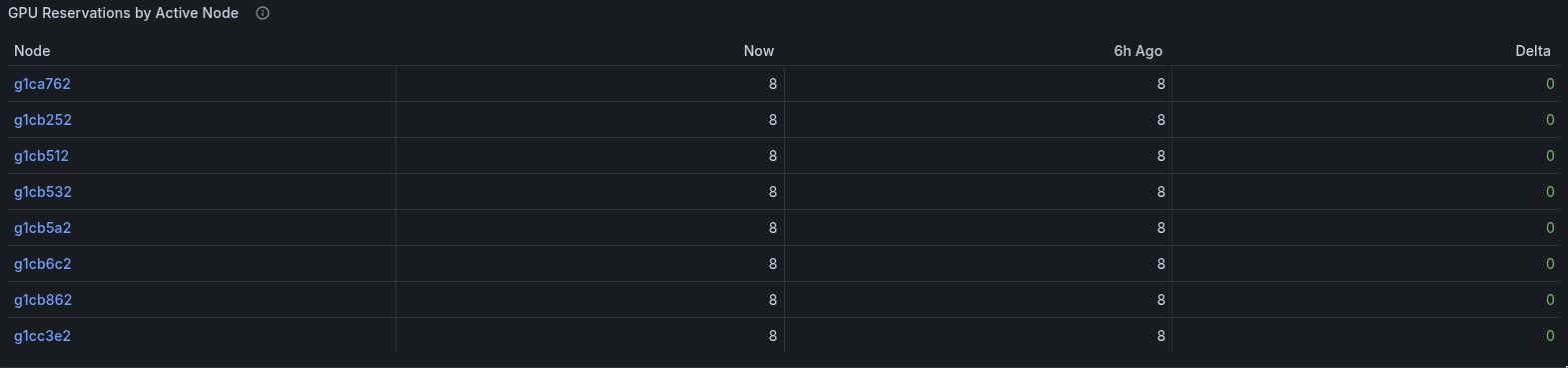
| GPUs Allocated | slurm_job_gpus_allocated | Per-node GPU count for the job. |
| CPUs Allocated | slurm_job_cpus_allocated | Per-node CPU count. |
| Allocated Nodes | slurm_job_cpus_allocated by node label | Which Slurm nodes the job landed on. |
slurm_job_state does not carry a per-node node label. For node-level detail, use slurm_job_cpus_allocated or slurm_job_gpus_allocated, which include node labels.
Slurm node names such as h200-reserved-145-019 differ from Kubernetes hostnames such as andromeda25-wk45. The dashboards handle this join automatically. For custom queries, see Troubleshooting.
Tenant Dashboard
Capacity and readiness overview.

| Panel | Metric | Interpretation |
|---|
| Nodes Assigned | tenant:slurm_nodes:assigned | Total nodes assigned to your environment. |
| Nodes Ready | tenant:slurm_nodes:ready | Nodes that are schedulable and healthy. |
| Nodes degraded | tenant:slurm_nodes:bad | Nodes that are drained, not-ready, or degraded. |
| Node Readiness Ratio | ready / assigned | Below 100% means some capacity is unavailable. |
When tenant:slurm_nodes:bad is nonzero, open the GPU Nodes dashboard to identify which specific nodes are affected and why, such as ECC errors, thermal state, cordon, or drain.